Official channels only
Files go through each agency's own contributor FTP or SFTP. No bots on their websites, so your accounts stay safe.
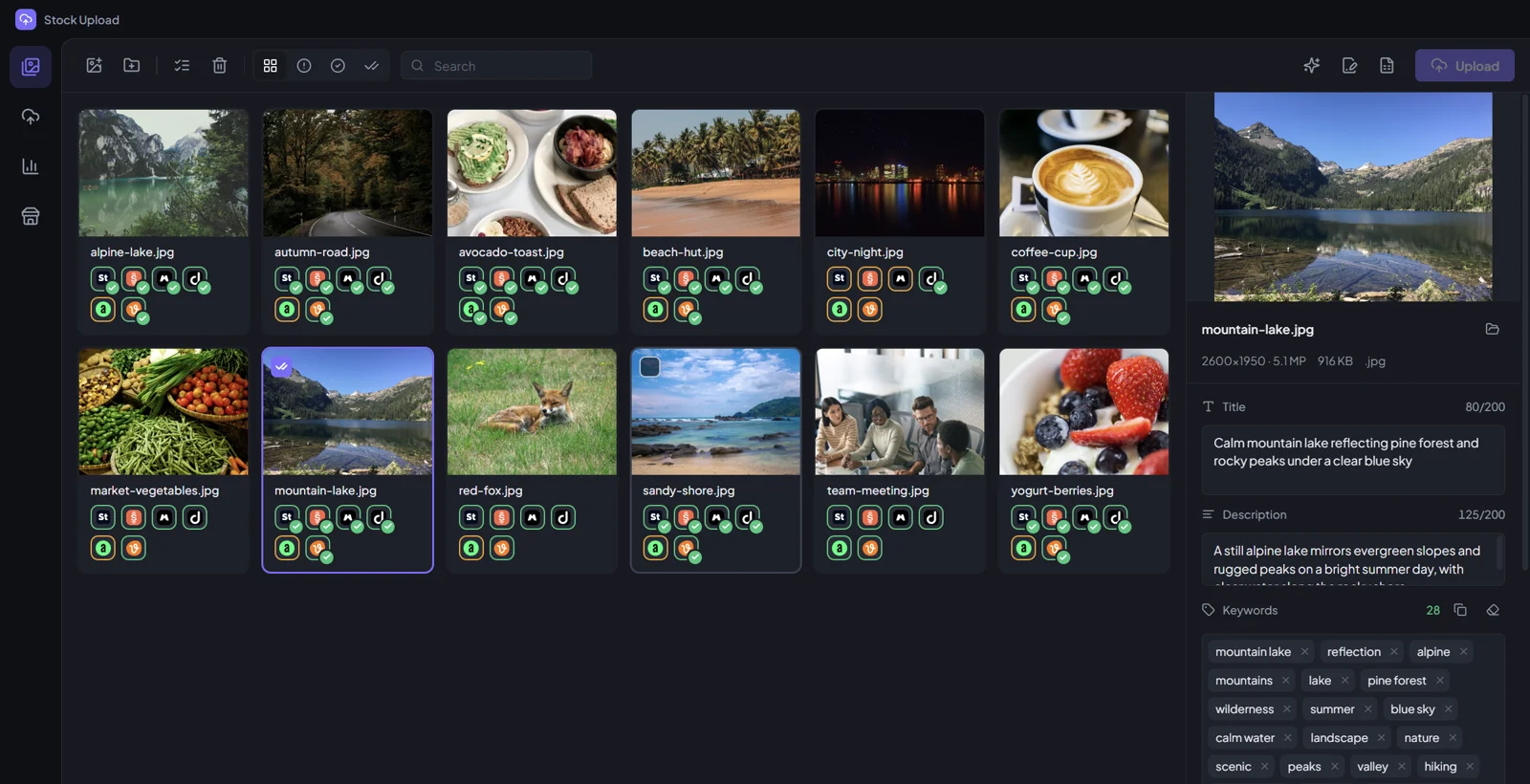
Stock Upload sends your photos, vectors and videos to Adobe Stock, Shutterstock, Freepik and more, with titles, descriptions and keywords written into every file.
Version 1.0.0 · 103 MB · Windows 10 and 11, 64-bit
 Adobe Stock
 Shutterstock
 Freepik
 Dreamstime
 Alamy
Alamy Depositphotos
 Pond5
Pond5 123RF
123RF Vecteezy
Files go through each agency's own contributor FTP or SFTP. No bots on their websites, so your accounts stay safe.
Title, description and keywords are written into IPTC, XMP and every field each format can hold, cut to each agency’s limits.
Writes metadata that fits each format, from photos and transparent PNGs to vectors and video, and avoids brand names and misleading words.
Import metadata from any spreadsheet, or export each agency’s CSV template, ready to upload.
Power cut or Wi-Fi drop mid-upload? It picks up where it stopped and never sends a broken file.
The same photo added twice, even renamed, is skipped. Different files with the same name are kept apart.

Yes. It only uses the FTP and SFTP upload channels that each agency gives contributors for exactly this. It never logs in to their websites for you.
No. Files arrive in each portal with their metadata, and you submit them yourself, as the agencies expect.
Only on your PC, encrypted by Windows. They are never sent to our server.
Where the agency allows it. Files with AI marks in their metadata are kept away from agencies that don't accept AI content, such as Shutterstock.